Botsy cannot print or color. It draws the outlines of your vector artwork quickly and accurately. Everything after the outline is done by hand.
Mural painters, woodworkers and DIY makers use Botsy to save time on the slowest part of large-scale work: transferring the design. Instead of measuring, gridding or projecting, you load the file and Botsy draws the outline. You spend that time on the work that matters: painting, cutting and finishing.
Whether you are a professional or a beginner, Botsy lets you outline complex, large designs on walls quickly and precisely.
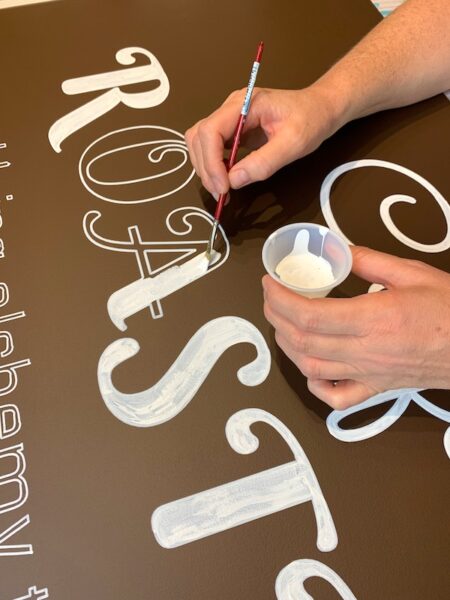
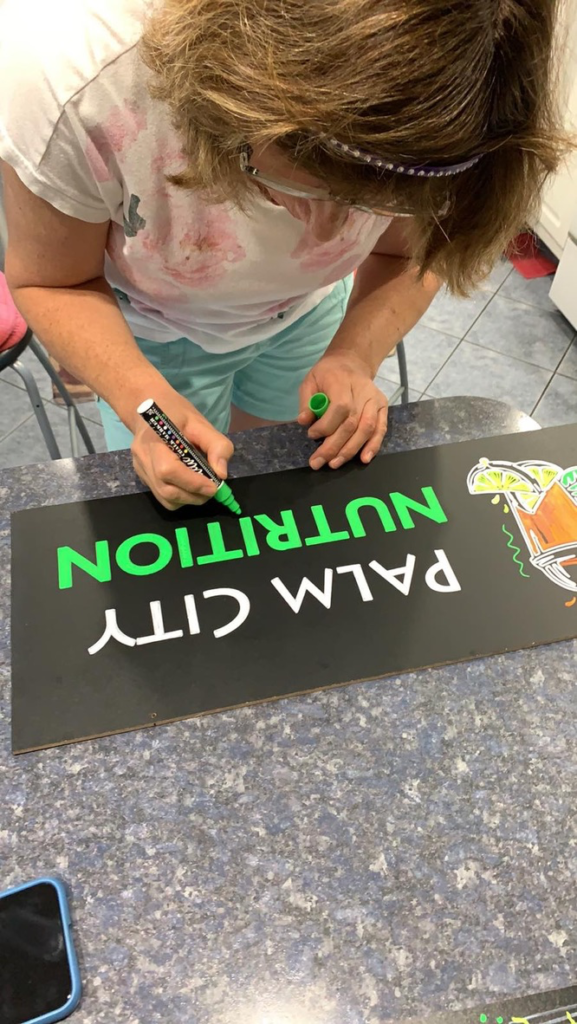
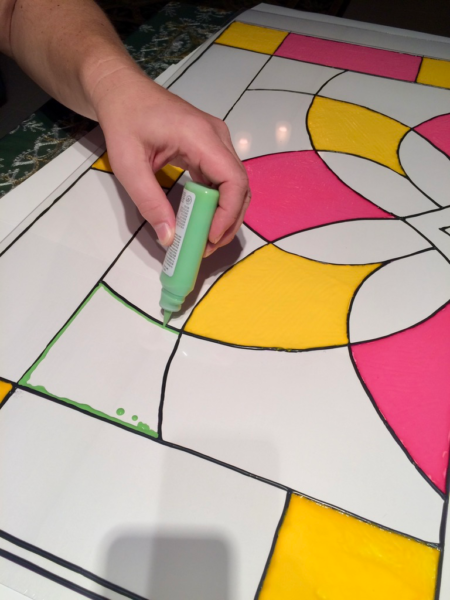
Botsy’s outlines can become hand-painted murals, hand-cut wood pieces, stained glass or handmade signs. The artwork stays handmade. Botsy only shortens the path to it.
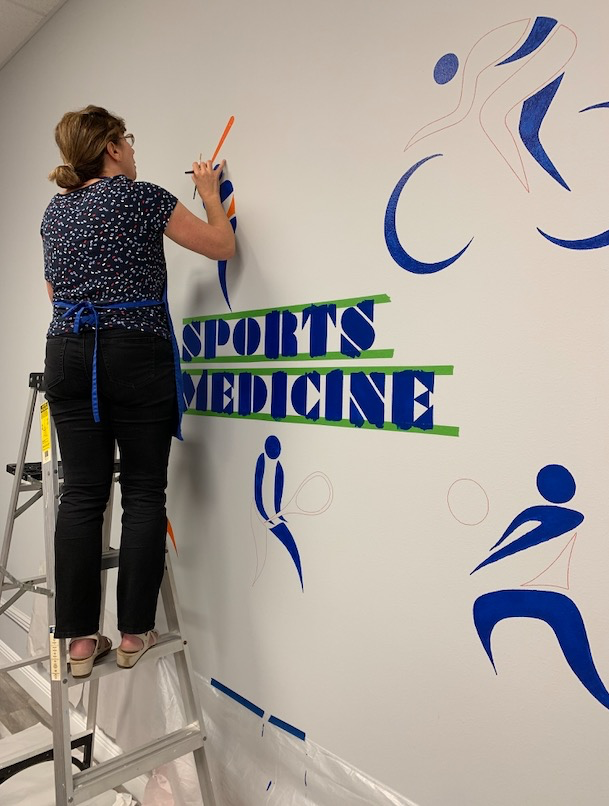
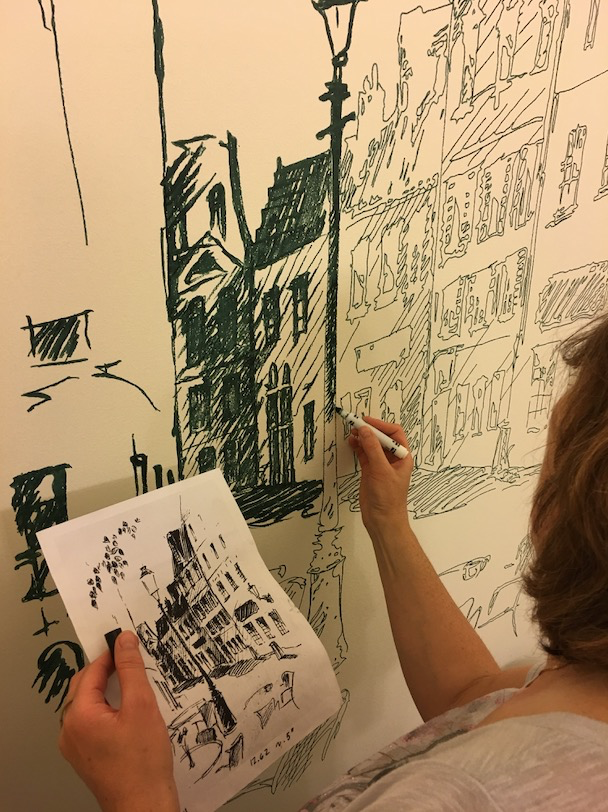
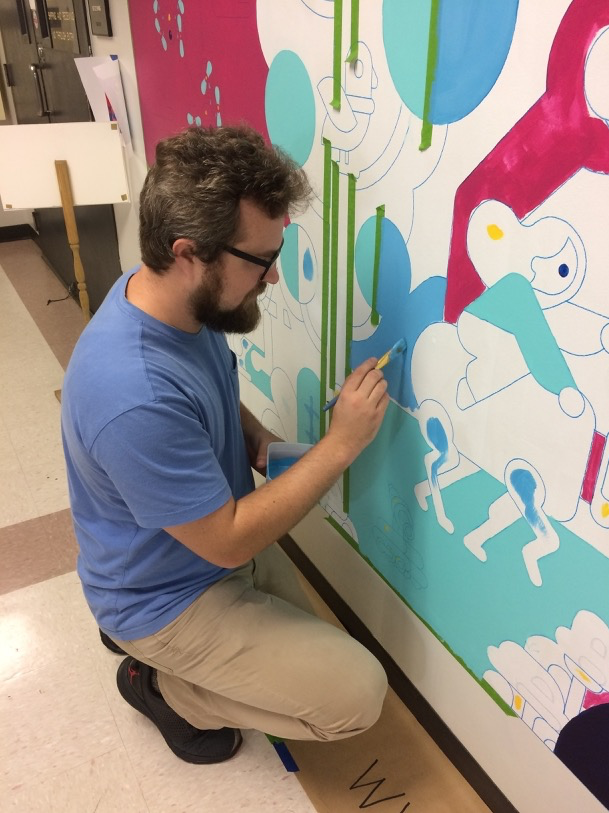
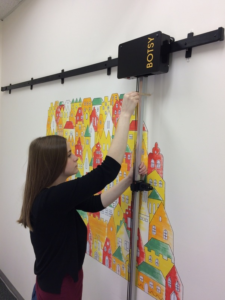
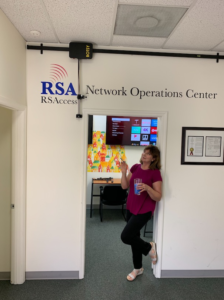
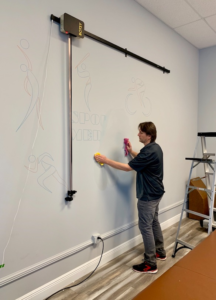
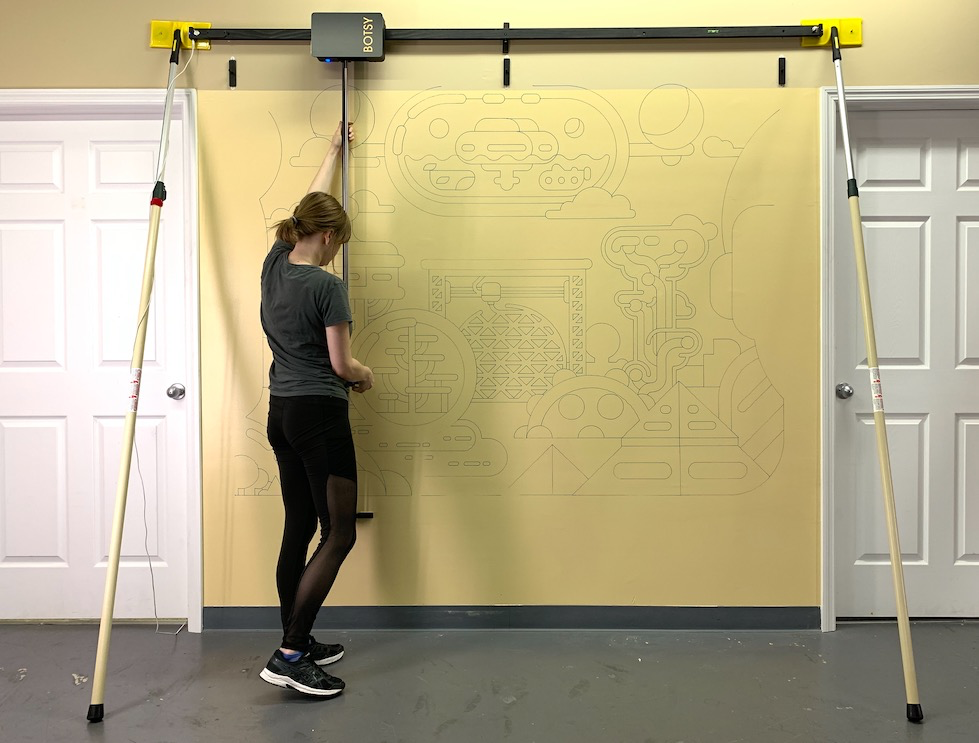
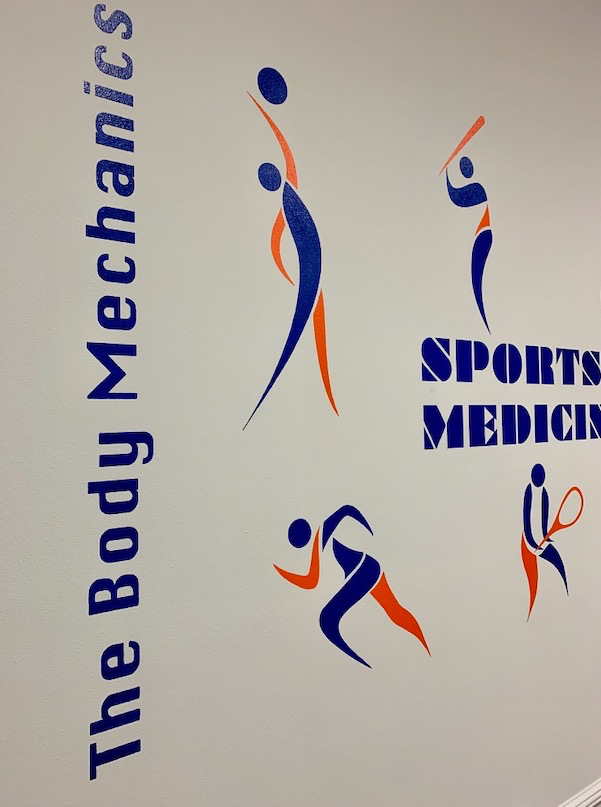
The office murals in the illustrations were painted by hand. Botsy drew the enlarged outlines automatically, and the artists spent their time on the colors and final details.
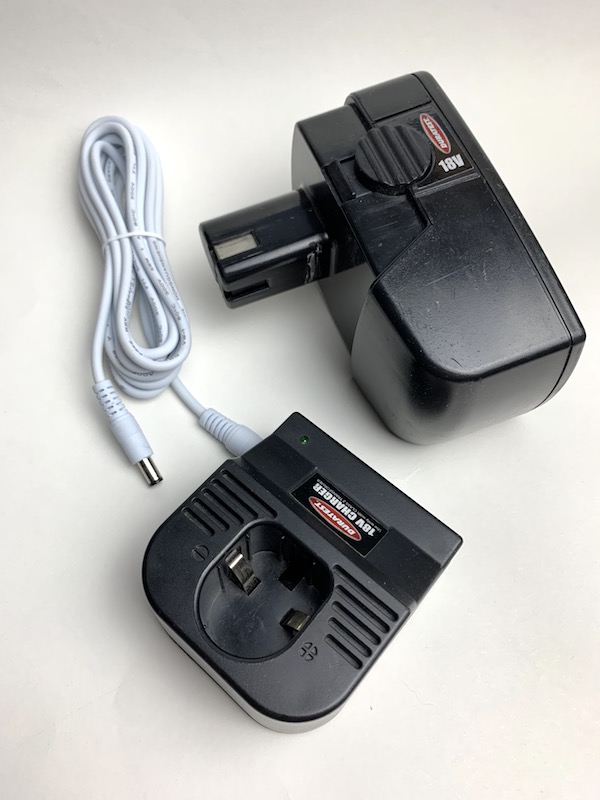
Botsy comes with a 12-volt desktop power adapter. If no power is available at your job site, you can use a battery adapter or power connector. One option is to use batteries from an existing power tool as a 12V or 18V DC power source for Botsy. Just ensure that the adapter is compatible with your power tool’s battery connector.
You can purchase an adapter on your own or order one from us.
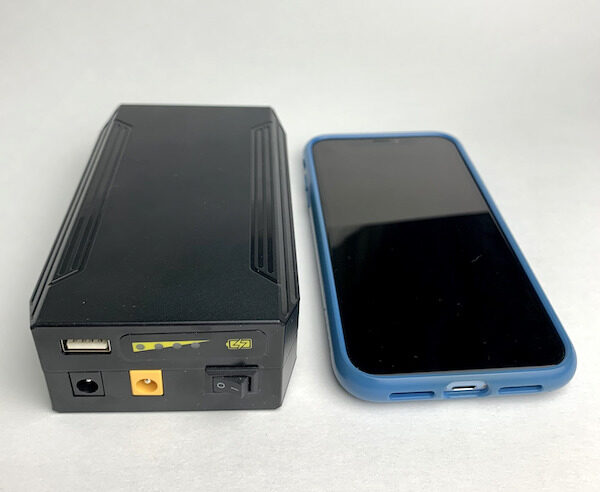
A power bank is another option for powering the drawing robot. For example, Botsy can run for 3 hours on a 72W, 100Wh, 12V, 8300mAh portable battery pack. This battery pack is compact and easy to carry, costing between $50 and $60.
Botsy is mounted on the wall using 3M Command Strips. 3M recommends applying their product on smooth, sealed, and finished surfaces, such as painted, stained, or varnished wood, glass, painted cinder blocks, plaster, metal, and painted walls. Before using 3M Command products, ensure that fresh paint is thoroughly cured (refer to the paint can for the manufacturer’s cure time).
For other surfaces, we recommend usingBotsy Adjustable Polesto lean the wall-drawing robot against the surface. For rough surfaces, refer to “How do I physically attach Botsy?”.
It all depends on the surface. For rough surfaces like cinder blocks, spatter, orange peel texture, inexpensive plywood, or outdoor-textured walls, we offer aBotsy Rough Surface Pen Holder. If you plan to draw on these surfaces, use the Rough Surface Pen Holder.Botsy Adjustable Polesare also recommended for attachment. Be sure to use markers with sturdy tips.
Botsy is not able to draw on brick or severe stucco. If you’re unsure about your wall texture, feel free to send us a picture.
There is no need for any tools, such as screws or nails, to set up or take down the device. Popular 3M Command Strips allow you to temporarily mount Botsy on a wall, whiteboard, plywood, or other surface. Our patented design ensures the drawing machine can be mounted on a wall and removed quickly, without leaving any marks or requiring any tools. As soon as the artwork is complete, the hangers can be removed without leaving any marks on the wall (such as nail holes or cracked plaster).
It doesn’t take much time at all to get the thing set up. It’s easy to remove the 3M Command Strips when you’re done with the artwork.
2nd Method: Lean Botsy Against the Wall
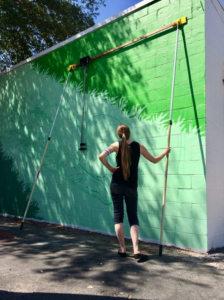
Use our Botsy Adjustable Poles in place of 3M Command Strips to lean the horizontal track carrying the drawing robot against a wall. Muralists who want to paint on large outdoor walls or sketch on rough surfaces should follow this technique. Extras consist of two 12-foot-long adjustable poles that can be used in a variety of configurations. Botsy can be moved in blocks, allowing artists to quickly cover large areas and create sketches up to 12 feet in height. You can outline anything with Botsy by simply extending the poles.
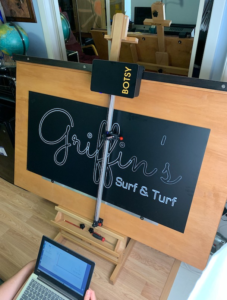
The photos show the Botsy system attached indoors, leaning against a wall outside, and a custom-made drawing system with an easel.
You certainly can. Botsy’s software includes a pause button. You can pause the drawing at any time to replace a marker, change the color of the drawing, and so on.
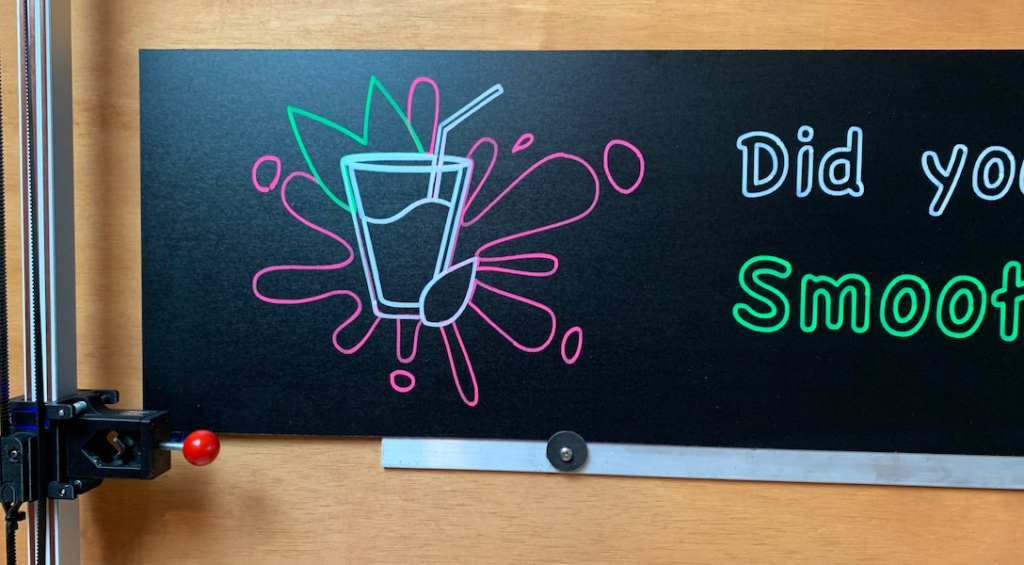
Botsy uses one color at a time when drawing. To create a multi-color effect, pause the robot while sketching and switch markers. You can also create vector files with multiple layers and switch markers between layers.
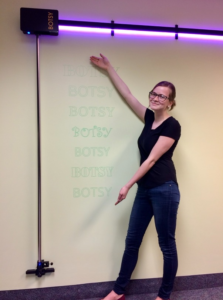
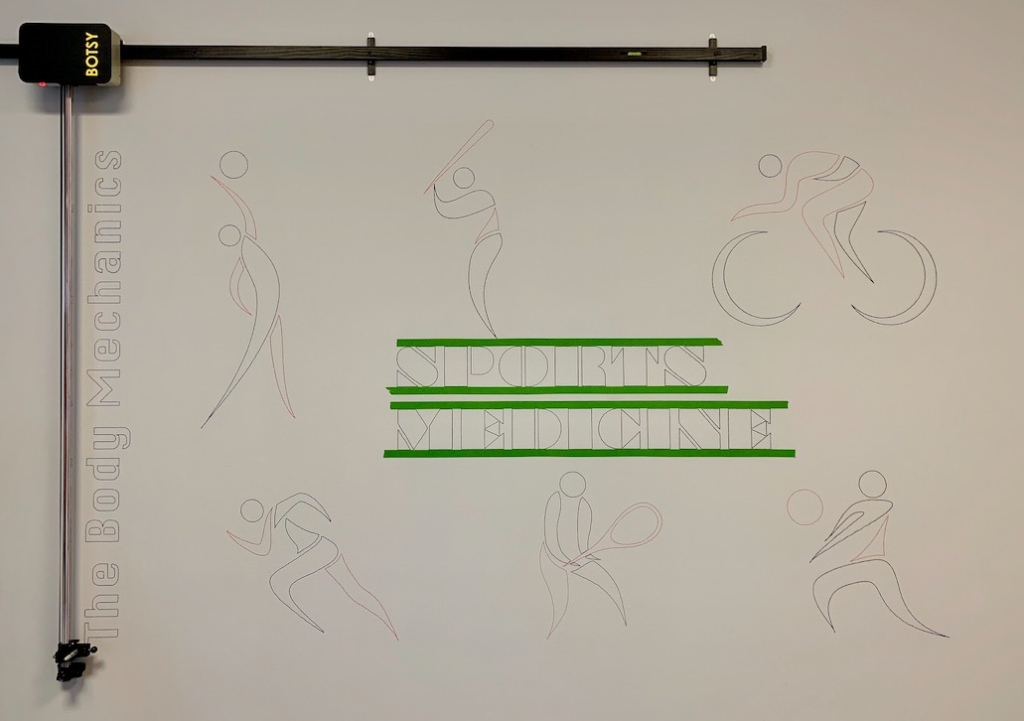
In the image below, one layer was outlined with an orange marker, while another was outlined with a dark blue marker. Botsy flawlessly transferred the images, as well as the horizontal and vertical lettering. After the outlines were complete, the artwork was hand-painted.
Botsy drew colorful lines around the image and text. The robot was paused to switch markers, and the artist hand-colored the remaining elements of the artwork.
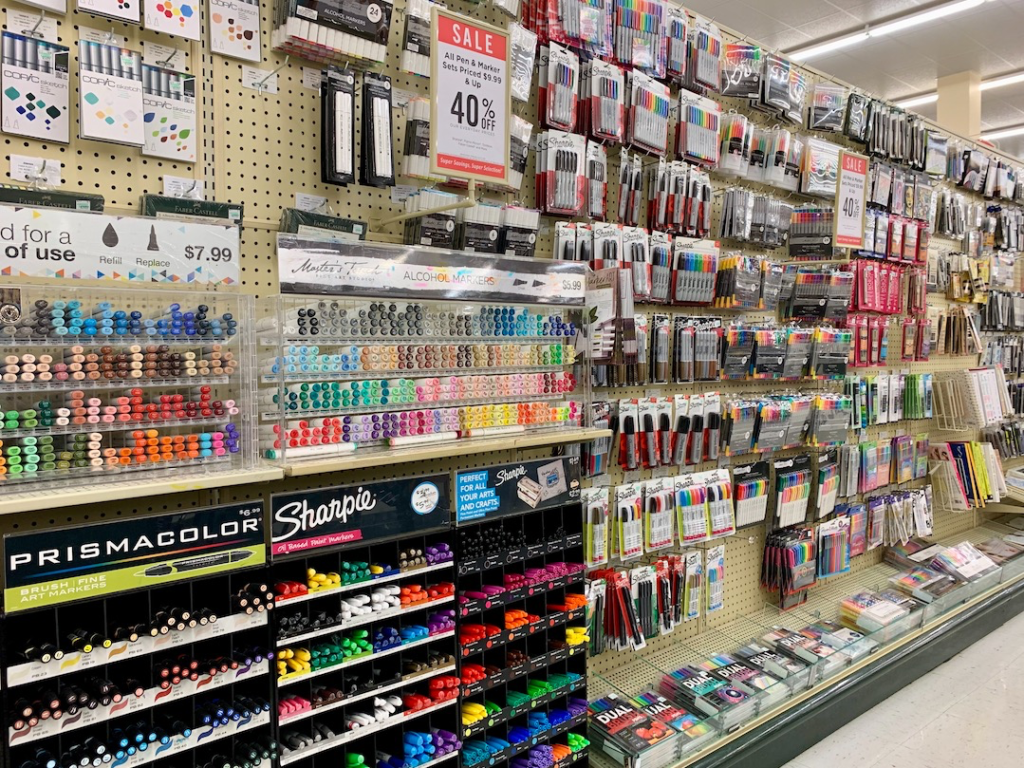
Botsy’s pen holder fits drawing tools with a diameter of 9 to 22 mm (0.35 to 0.86 in). This includes Sharpie markers, industrial Sharpie markers, whiteboard markers, chalk markers, glass markers and washable markers. These are available in retail stores, art and hobby shops, and online.
Choose your drawing tool for the surface you are drawing on, such as paper, painted drywall, plywood or concrete. On uneven or rough surfaces, use a marker with a firm tip. A firm tip keeps its shape longer and is less likely to wear down or mushroom.